AI for Database: partner kit

How to read this kit

  • Text inside "double quotes" is copied word for word from the AI for Database homepage or pricing page. Partners must not edit, shorten into new claims, or add to these lines.
  • Everything outside quotes is framing in the partner's own voice ("I", "if you"). Partners can rewrite that freely.
  • Text in [square brackets] is the partner's own spoken or on-screen line (video hooks, disclosure captions). Partners can reword it, but the disclosure must stay.
  • Every swipe ends with a disclosure line. Keep it.

1.Program at a glance

TermValue
Commission30%, lifetime recurring (every payment the referred customer makes, for as long as they pay)
Payout minimum$50
Hold45 days
Payout methodPayPal or Wise
Payout scheduleMonthly
Partner couponsOn request only: email dhrumil@aifordatabase.com for a code just for your audience. The discount comes out of your commission. No public or self-serve codes.
Partner signuphttps://aifordatabase.affonso.io
Prices the commission applies to (from /pricing)"Pro is $20 per user per month and Team is $50 per user per month." "Save 20% with annual billing." Top-ups: "Add $10, $25, $50 or $100 at any time."

In short: you earn 30% of every payment, on the $20 per user per month Pro plan or the $50 per user per month Team plan, for as long as the customer stays.

2.Who it's for, and who should promote it

The customer (from the homepage):

  • "For teams without a data team"
  • "Sales managers", "Operations teams", "Product managers", "Founders and GMs"
  • Use-case lines on the homepage:
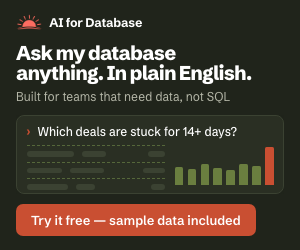
    • "Sales teams can ask which deals are stuck for 14+ days and get a table, a chart and a weekly report."
    • "Operations teams can ask which SKUs are running low and keep an inventory dashboard up to date."
    • "Product teams can ask which features drive retention and review usage trends without writing queries."
  • Stack: "connect Postgres, MySQL, MongoDB or Google Sheets and ask in plain English."
  • Also people who already live in an AI assistant: "Ask your database from Claude, ChatGPT, Grok and Muse"

Best-fit partner types:

  1. SaaS and AI-tool review and comparison sites that already cover Julius AI, AI2sql, Metabase, Hex or Text2SQL tools. Most text-to-SQL competitors have no affiliate program, so these sites have little to monetise in the category.
  2. Newsletters and YouTube channels for founders, ops and RevOps people who are not data engineers.
  3. No-code / Google Sheets educators (Coefficient's audience overlaps the Sheets use case).
  4. Fractional analysts, RevOps and data consultants who set up reporting for small teams.
  5. Creators who make Claude / ChatGPT connector and MCP tutorials (the homepage has a step-by-step connector section).
  6. E-commerce operators' communities (refunds, SKUs, inventory prompts are on the homepage).

3.One-liners (verbatim, use as-is)

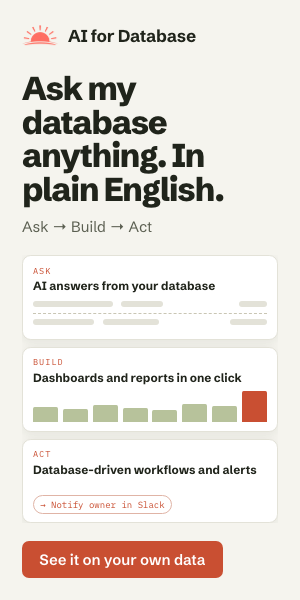
  1. 1."Ask my database anything. In plain English."
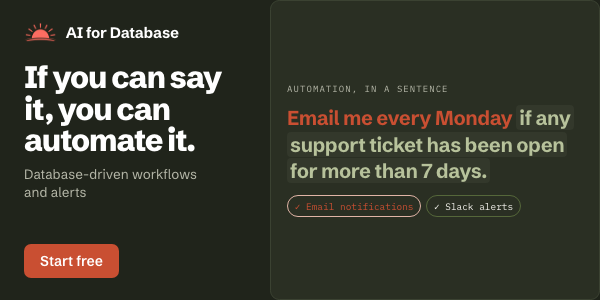
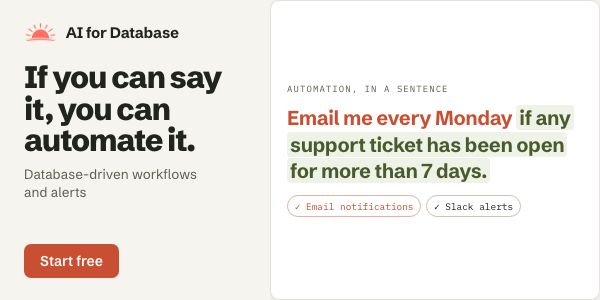
  2. 2."If you can say it, you can automate it."
  3. 3."Built for teams that need data, not SQL"
  4. 4."Turn any answer into a shareable dashboard"
  5. 5."Ask your database from Claude, ChatGPT, Grok and Muse"

Add the link and disclosure after any of them: {{AFFILIATE_LINK}} (I earn a commission if you sign up through my link.)

4.Landing page copy for a partner's site or review page

Partner note: put this on your own domain. Keep quoted lines exact. Your own verdict and experience go in the {{PARTNER_STORY}} spots.

Disclosure (top of page): {{PARTNER_NAME}} earns a commission if you sign up for AI for Database through links on this page. It doesn't change the price you pay.

Hero

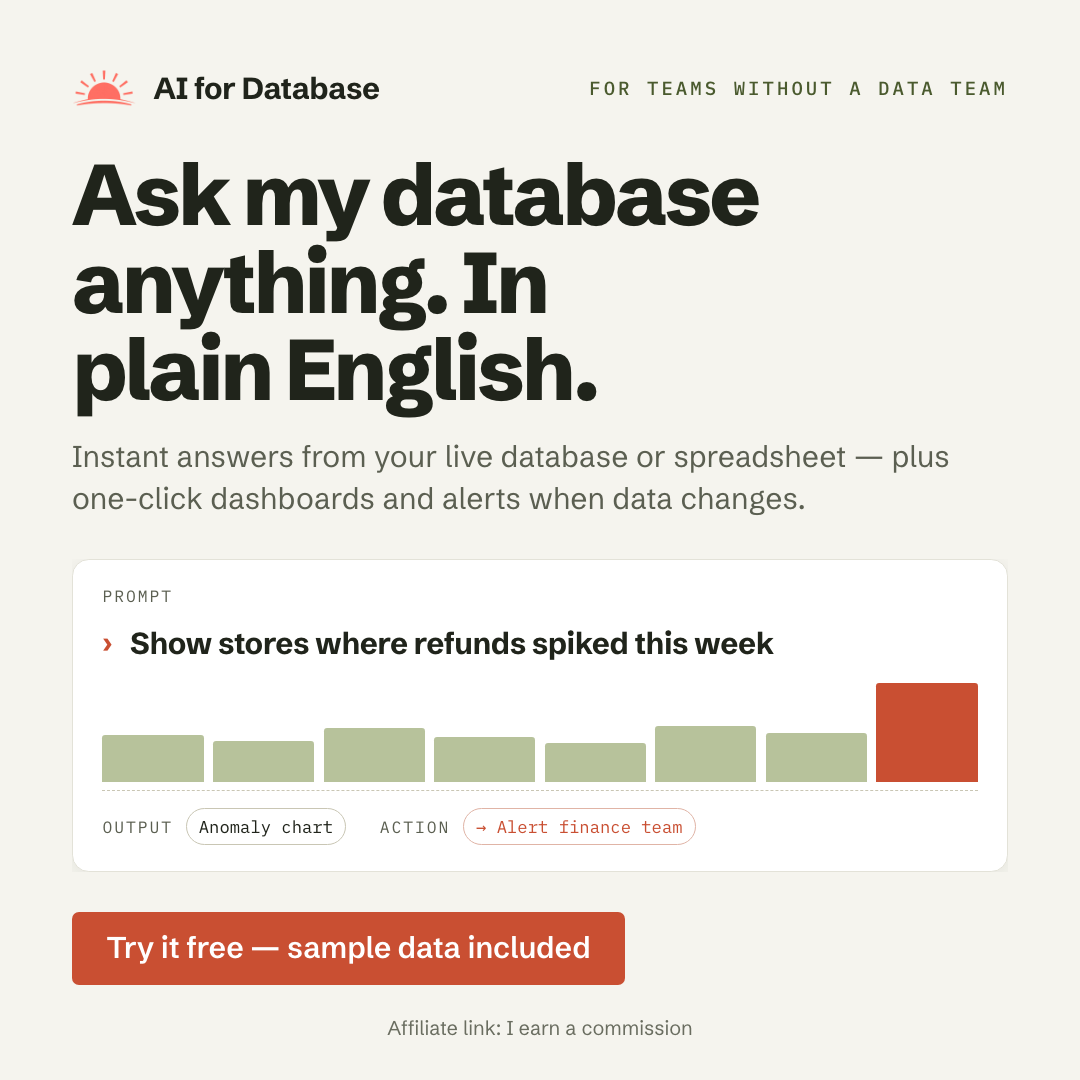
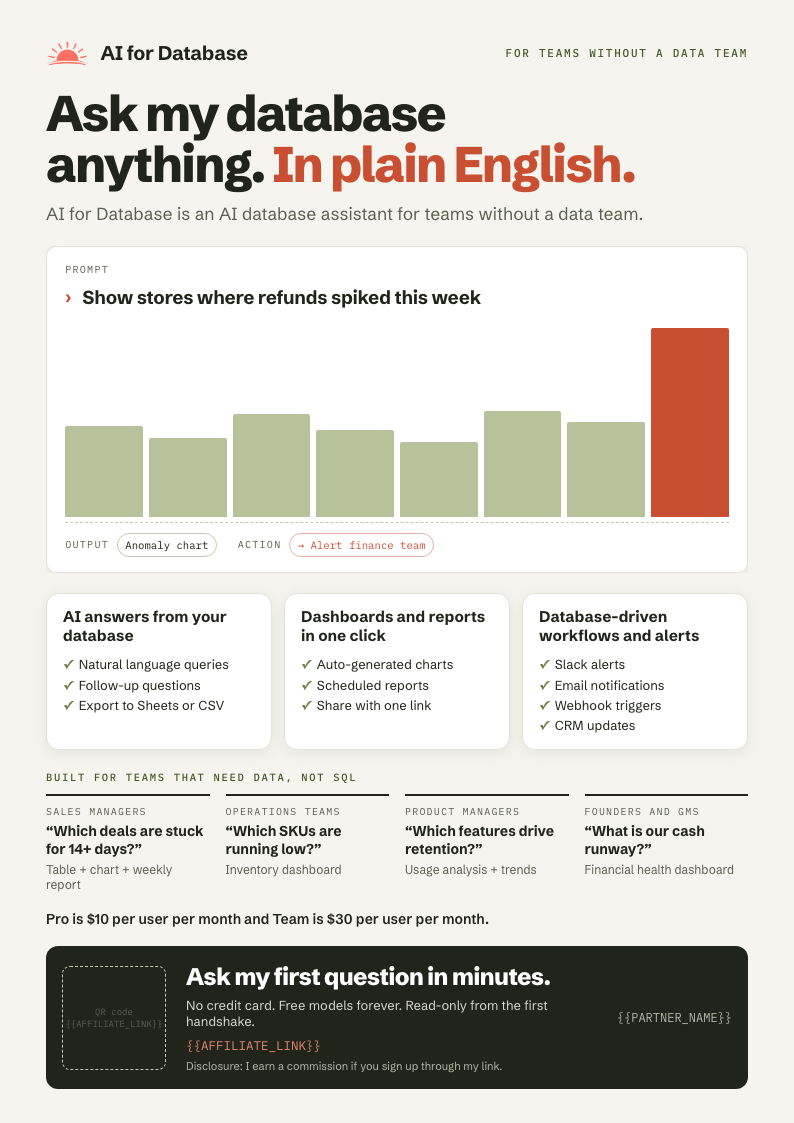
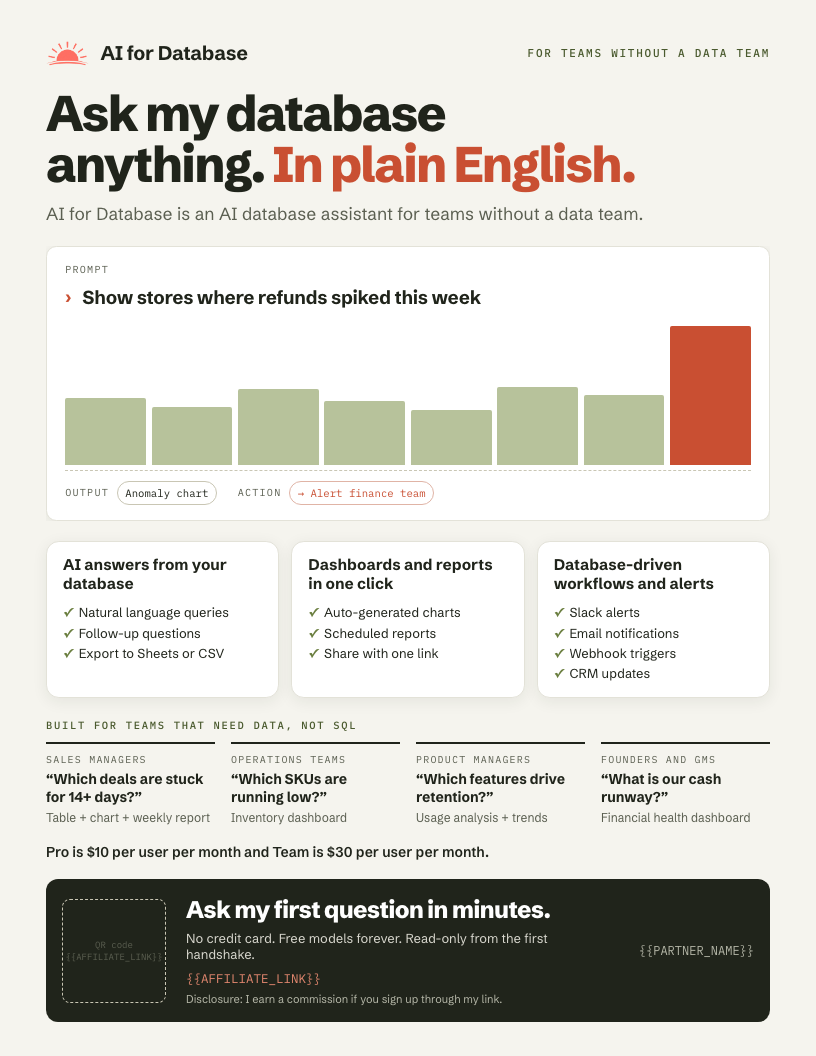
Headline: "Ask my database anything. In plain English."

Subhead: "Instant answers from your live database or spreadsheet — plus one-click dashboards and alerts when data changes."

Button: "Try it free — sample data included" → {{AFFILIATE_LINK}}

Small line under the button: "Read-only from the first handshake."

What it is

"AI for Database is an AI database assistant for teams without a data team. Connect a live database or spreadsheet, ask in plain English, and get answers back without writing SQL or waiting on an analyst."

My take: {{PARTNER_STORY}}

How it works

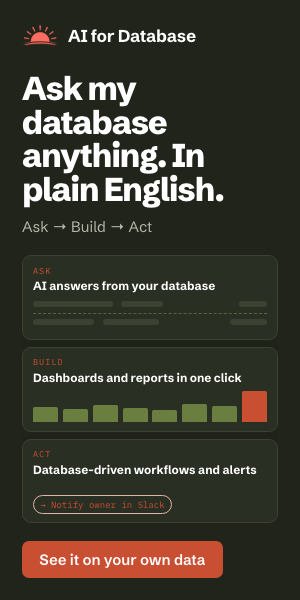
"Connect → Ask → Pin → Automate"

  1. Connect. "connect Postgres, MySQL, MongoDB or Google Sheets and ask in plain English."
  2. Ask. "Writes the SQL, runs it on your database and returns the answer with the rows and the query it used."
  3. Pin. "Turn any answer into a shareable dashboard"
  4. Automate. "Creates a scheduled workflow that checks your data and emails or calls a webhook when the condition is met."

Features

"AI answers from your database"

  • "Natural language queries"
  • "Follow-up questions"
  • "Export to Sheets or CSV"

"Dashboards and reports in one click"

  • "Auto-generated charts"
  • "Scheduled reports"
  • "Share with one link"

"Database-driven workflows and alerts"

  • "Slack alerts"
  • "Email notifications"
  • "Webhook triggers"
  • "CRM updates"

"Ask your database from Claude, ChatGPT, Grok and Muse"
"Connect your AI for Database account once, then ask questions about your data in plain English, run read-only SQL and set up alerts, right from the chat you already use."

Example questions (from the homepage)

  • "Which deals are stuck for 14+ days?" → "Table + chart + weekly report" → "Notify owner in Slack"
  • "Which SKUs are running low?" → "Inventory dashboard" → "Email operations team"
  • "Which features drive retention?" → "Usage analysis + trends"
  • "What is our cash runway?" → "Financial health dashboard" → "Weekly executive report"

FAQ (answers are verbatim from the site)

Does my data leave my environment?
"You choose. Self-hosted keeps everything in your infrastructure. Cloud-hosted encrypts data in transit and at rest."

What can the AI read vs write?
"You control permissions. Start with read-only, then enable specific actions as needed."

What actions require approval?
"You set the rules. Require approval for high-risk actions, allow auto-execution for safe workflows."

Can I self-host?
"Yes. Full self-hosted deployment available. One-time setup fee plus annual license."

How are credentials stored?
"Encrypted at rest with AES-256. Never stored in plain text. Rotate keys anytime."

Is my own SQL safe to run?
"Runs the query inside a read-only transaction, so nothing in your data can change."

How much does it cost? (from /pricing)
"Pro is $20 per user per month and Team is $50 per user per month. Each Pro user has an individual credit balance, and Team includes unlimited AI usage for every member."

Do credits expire?
"Credits never expire. No weekly limits or monthly resets. Unused credit stays in your personal balance."

What happens when my credits run out? (from /pricing)
"AI usage pauses until you add credits. Top-ups are available in $10, $25, $50, and $100 amounts. Credits do not expire or reset each month. Team includes unlimited AI usage, so Team members do not run out."

Final CTA

"Ask my first question in minutes."
"No credit card."
Button: "See it on your own data" → {{AFFILIATE_LINK}}

I earn a commission if you sign up through my link.

5.Email swipes (4)

Email 1: Problem / story

Subject: I stopped waiting on reports
Preview: "Ask my database anything. In plain English."

Hi {{FIRST_NAME}},

{{PARTNER_STORY}}

That's the problem AI for Database is built around. Their homepage puts the "before" plainly: "Waiting on engineering for simple reports". The "after": "Get instant answers in plain English".

In their words: "AI for Database is an AI database assistant for teams without a data team. Connect a live database or spreadsheet, ask in plain English, and get answers back without writing SQL or waiting on an analyst."

I connected {{PARTNER_DATABASE}} and asked: "{{PARTNER_QUESTION}}"

If you want to try it on their sample data first: {{AFFILIATE_LINK}}

{{PARTNER_NAME}}

P.S. "Read-only from the first handshake."

I earn a commission if you sign up through my link.

Email 2: How it works

Subject: Connect → Ask → Pin → Automate
Preview: Four steps, no SQL

Hi {{FIRST_NAME}},

Quick walkthrough of how AI for Database works, using their own descriptions:

  1. Connect: "connect Postgres, MySQL, MongoDB or Google Sheets and ask in plain English."
  2. Ask: "Writes the SQL, runs it on your database and returns the answer with the rows and the query it used."
  3. Pin: "Turn any answer into a shareable dashboard"
  4. Automate: "If you can say it, you can automate it." A workflow "reads exactly the way you'd explain it to a colleague".

The part I find useful: {{PARTNER_STORY}}

Try it here: {{AFFILIATE_LINK}}

{{PARTNER_NAME}}

I earn a commission if you sign up through my link.

Email 3: Comparison vs {{COMPETITOR}}

Subject: {{COMPETITOR}} vs AI for Database
Preview: What I'd pick for a team without a data team

Hi {{FIRST_NAME}},

I've used {{COMPETITOR}}. {{COMPETITOR_LIMITATION}}

Here's how AI for Database describes itself: "Most tools stop at answers. AI for Database helps teams ask, analyze, report, and act from the same source of truth."

What that means in features, straight from their site:

  • "AI answers from your database": "Natural language queries", "Follow-up questions", "Export to Sheets or CSV"
  • "Dashboards and reports in one click": "Auto-generated charts", "Scheduled reports", "Share with one link"
  • "Database-driven workflows and alerts": "Slack alerts", "Email notifications", "Webhook triggers", "CRM updates"

Pricing, from their pricing page: "Pro is $20 per user per month and Team is $50 per user per month."

My verdict: {{PARTNER_VERDICT}}

Compare for yourself: {{AFFILIATE_LINK}}

{{PARTNER_NAME}}

I earn a commission if you sign up through my link. Notes on {{COMPETITOR}} are my own experience, not claims by AI for Database.
Email 4: Use-case spotlight (pick one persona)

Subject: "Which deals are stuck for 14+ days?"
Preview: One question, a table, a chart and a weekly report

Hi {{FIRST_NAME}},

If you run a sales team, this one's for you.

AI for Database's homepage example: "Sales teams can ask which deals are stuck for 14+ days and get a table, a chart and a weekly report." Then "Notify owner in Slack".

{{PARTNER_STORY}}

Swap-in versions for other readers (pick one, delete the rest):

  • Ops: "Operations teams can ask which SKUs are running low and keep an inventory dashboard up to date."
  • Product: "Product teams can ask which features drive retention and review usage trends without writing queries."
  • Founders: "What is our cash runway?" → "Financial health dashboard" → "Weekly executive report"

Try it on your data: {{AFFILIATE_LINK}}

{{PARTNER_NAME}}

I earn a commission if you sign up through my link.
6.Social posts (6) and video scripts (3)

X / short

X1

"Ask my database anything. In plain English."

I tried it on {{PARTNER_DATABASE}}. {{PARTNER_STORY}}

{{AFFILIATE_LINK}}
(I earn a commission if you sign up through my link.)

X2

"If you can say it, you can automate it."

AI for Database turns a sentence into a workflow: "Creates a scheduled workflow that checks your data and emails or calls a webhook when the condition is met."

{{AFFILIATE_LINK}}
I earn a commission if you sign up through my link.
X3

You can now ask your database from Claude or ChatGPT.

"Connect your AI for Database account once, then ask questions about your data in plain English, run read-only SQL and set up alerts, right from the chat you already use."

{{AFFILIATE_LINK}} (affiliate link, I earn a commission)

LinkedIn / longer

LI1: for founders and GMs

Every week someone on the team asks for a quick report. It's never quick.

AI for Database is built "For teams without a data team". Their pitch: "Connect a live database or spreadsheet, ask in plain English, and get answers back without writing SQL or waiting on an analyst."

The founder example on their site: "What is our cash runway?" → "Financial health dashboard" → "Weekly executive report".

{{PARTNER_STORY}}

Link: {{AFFILIATE_LINK}}
Disclosure: I earn a commission if you sign up through my link.
LI2: for sales and ops leaders

Two questions I'd want answered every Monday:
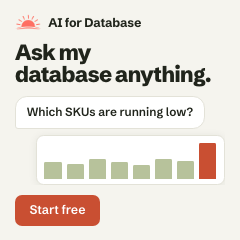
"Which deals are stuck for 14+ days?"
"Which SKUs are running low?"

AI for Database answers them from the live database and keeps going: "Turn any answer into a database dashboard or scheduled report, or set up database workflows that send alerts to Slack, email or a webhook when your data changes."

{{PARTNER_STORY}}

{{AFFILIATE_LINK}}
Disclosure: I earn a commission if you sign up through my link.

LI3: for security-minded readers

The first question anyone asks about AI on a production database: what can it change?

AI for Database's answers:
"You control permissions. Start with read-only, then enable specific actions as needed."
"Runs the query inside a read-only transaction, so nothing in your data can change."
"Yes. Full self-hosted deployment available. One-time setup fee plus annual license."

{{AFFILIATE_LINK}}
Disclosure: I earn a commission if you sign up through my link.

Video script 1 (30–35s): Ask in plain English

  • On-screen text, whole video: [Affiliate link: I earn a commission]
  • 0–4s hook (partner to camera): [I asked my database a question in plain English. Here's what came back.]
  • 4–12s: Screen recording: type "Which deals are stuck for 14+ days?" Caption: "Ask my database anything. In plain English."
  • 12–22s: Result appears. Voiceover reads: "Writes the SQL, runs it on your database and returns the answer with the rows and the query it used."
  • 22–28s: Click to pin. Caption: "Turn any answer into a shareable dashboard"
  • 28–35s CTA: "Link's in my bio, {{AFFILIATE_LINK}}. Try it free — sample data included."

Video script 2 (35–40s): Say it, automate it

  • On-screen disclosure: [I earn a commission if you sign up through my link]
  • 0–4s hook: Caption: "If you can say it, you can automate it."
  • 4–15s: Screen recording: type an alert in a sentence, using the homepage example: "Email me every Monday if any support ticket has been open for more than 7 days."
  • 15–27s: Show the workflow. Voiceover: "Creates a scheduled workflow that checks your data and emails or calls a webhook when the condition is met."
  • 27–33s: Caption list: "Slack alerts" / "Email notifications" / "Webhook triggers"
  • 33–40s CTA: "See it on your own data. {{AFFILIATE_LINK}}"

Video script 3 (40–45s): From inside Claude or ChatGPT

  • On-screen disclosure: [Affiliate link: I earn a commission]
  • 0–5s hook: [You can query your database without leaving ChatGPT.] Caption: "Ask your database from Claude, ChatGPT, Grok and Muse"
  • 5–18s: Show the connector steps as on the homepage: "Click Connect and sign in to AI for Database." then "Click Allow, then ask about your data in any chat."
  • 18–32s: Ask: "How many customers do we have on each plan?" Voiceover: "Writes the SQL, runs it on your database and returns the answer with the rows and the query it used."
  • 32–38s: Caption: "Queries are read-only."
  • 38–45s CTA: "Setup link: {{AFFILIATE_LINK}}"

7.Banners, images and flyers

Banners light

Banners dark

Social

Flyers

Logos

8.Partner rules

  1. Disclose every time. Every post, email, video and page that links to AI for Database must say you earn a commission (e.g. [I earn a commission if you sign up through my link.]). Put it before or next to the link, not hidden at the bottom of a page. Video: say it out loud or show it on screen.
  2. No brand bidding. Don't bid on "AI for Database", "aifordatabase", or misspellings in Google Ads, Bing Ads or any search ad network. Don't use the brand name in ad copy or display URLs.
  3. No spam. No unsolicited bulk email, DMs, comment spam, or posting the link in communities that ban it. Only email people who opted in to hear from you.
  4. No coupon sites. Don't list AI for Database on coupon or deal sites unless we give you a code for that purpose.
  5. No fake reviews or made-up claims. Don't write reviews you didn't earn, don't post fake testimonials, and don't claim features, numbers or results that aren't on our website. Quote our site or speak from your own experience.
  6. No self-referrals. Signing yourself or your own company up through your link doesn't earn commission.
  7. Use our names correctly. Don't imply you are AI for Database, and don't use our logo in a way that suggests an official partnership beyond being an affiliate.
  8. Breaking these rules can mean reversed commissions and removal from the program. Questions: dhrumil@aifordatabase.com.